Learning ROS 1 by Wiring It to Hardware
In 2021 and 2022, when I was getting started with ROS and looking for robotics opportunities, I created two small public repositories around ROS basics and hardware integration.
They are based on ROS Melodic, so the exact setup belongs to the ROS 1 era. What still makes them useful is the engineering pattern behind the work: learning how robot software is decomposed into nodes, topics, messages, services, actions, hardware bridges, and debugging tools.
What I Built
The first repository was my setup and starter workspace for ROS Melodic. It covered installation, catkin workspace setup, and ROS actions/services exercises.
The second repository became a practical learning track. It starts with publishers and subscribers, moves through turtlesim, and then connects ROS to Arduino hardware using rosserial. The later tasks include joystick control, ultrasonic sensor data, custom messages, services, and actions.
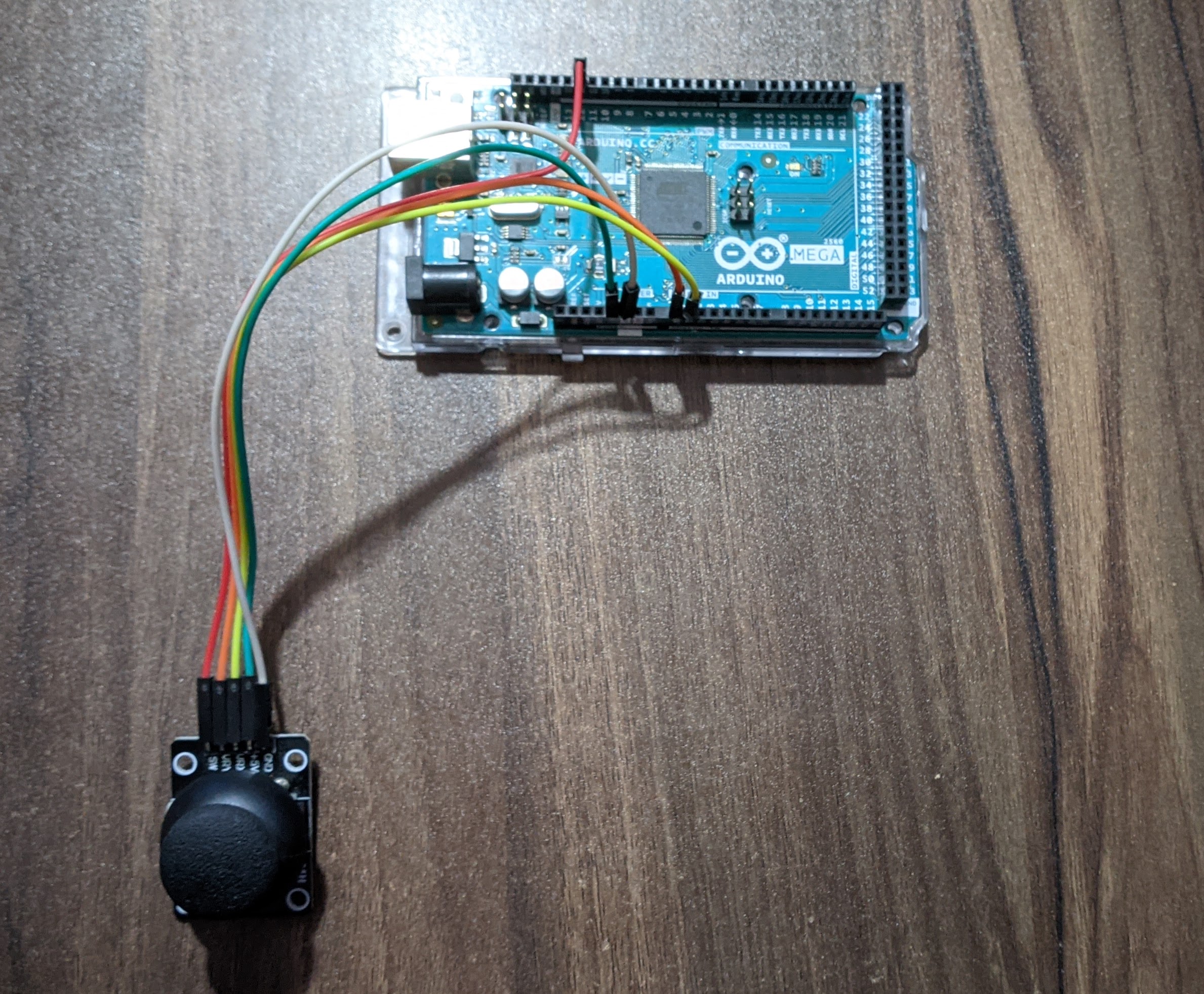
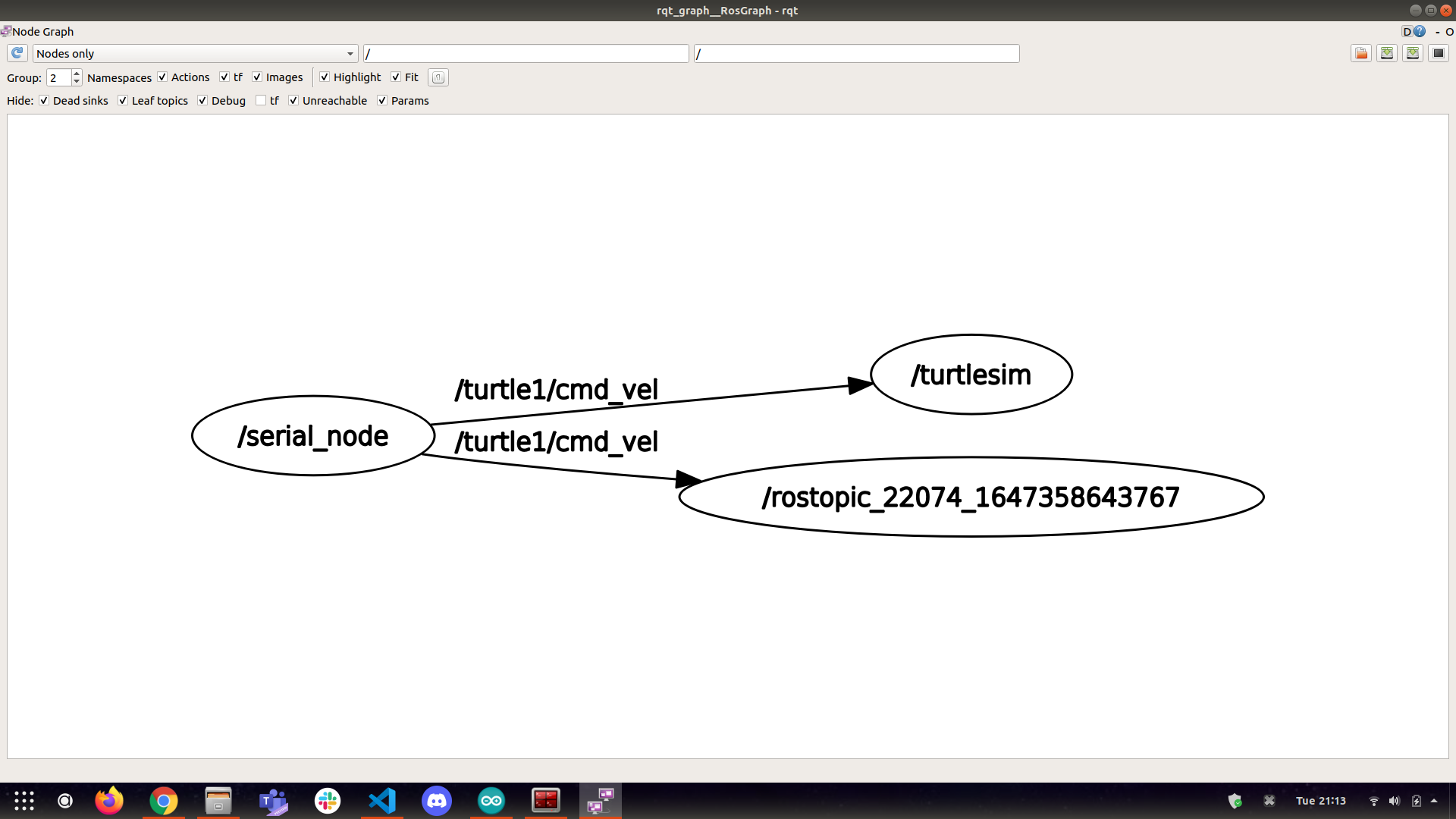
The joystick task was simple but important: an Arduino read analog joystick values and published geometry_msgs/Twist data to /turtle1/cmd_vel, letting hardware input control the simulator.
The Hardware Bridge
The most relevant part for robotics is the hardware integration. I used Arduino boards as ROS-connected devices, first for basic publishing and LED control, then for sensor data.
For the ultrasonic sensor task, the Arduino published range data into ROS, and a Python subscriber received it on the PC side.
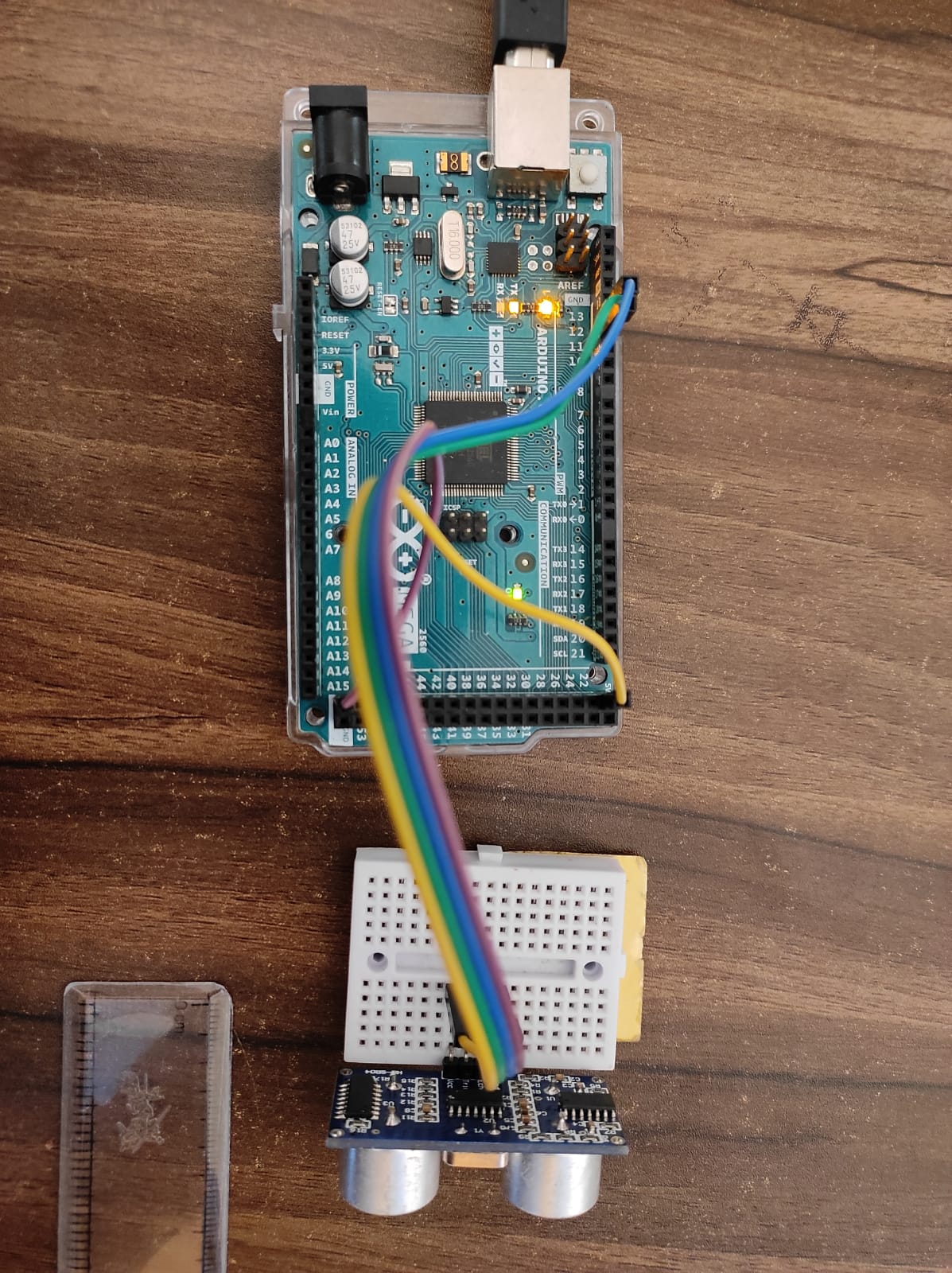
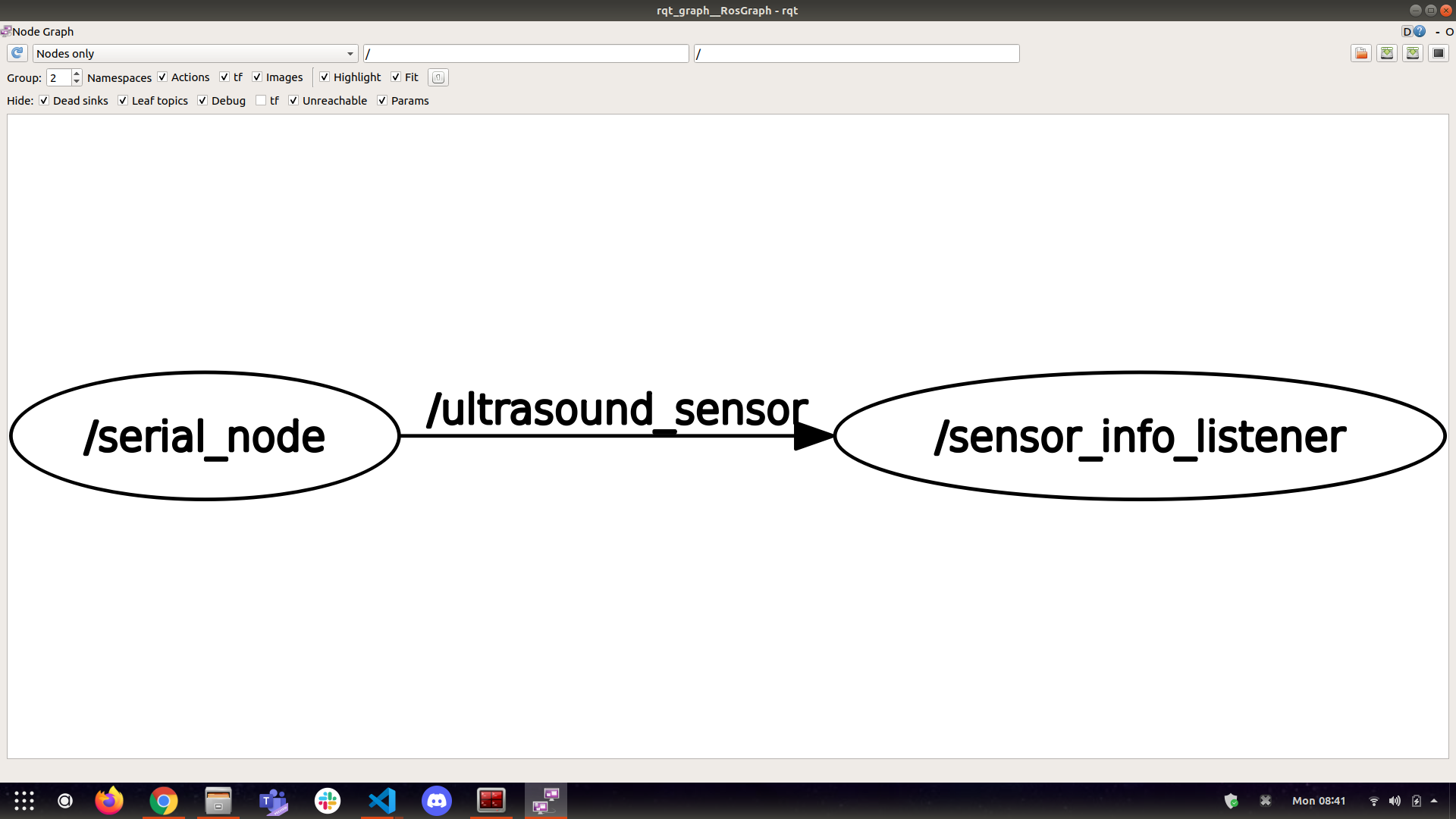
This is a small example, but it shows the core idea behind many robot systems: sensor data enters the software graph through a hardware interface, then downstream nodes consume it.
Messages, Services, and Actions
I also worked through custom ROS interfaces:
.msgfiles for custom messages.srvfiles for request/response services.actionfiles for goal, feedback, and result workflows
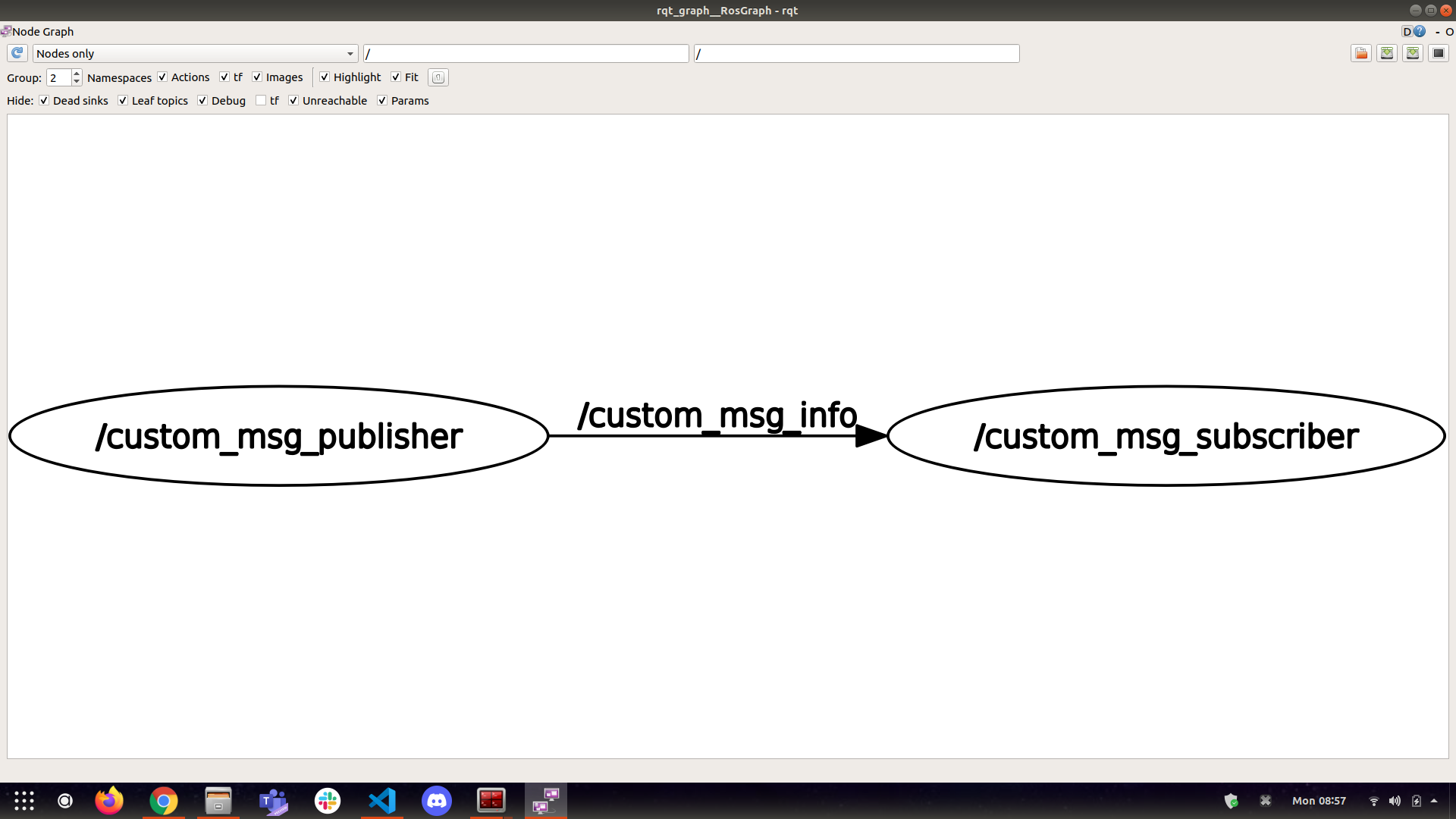
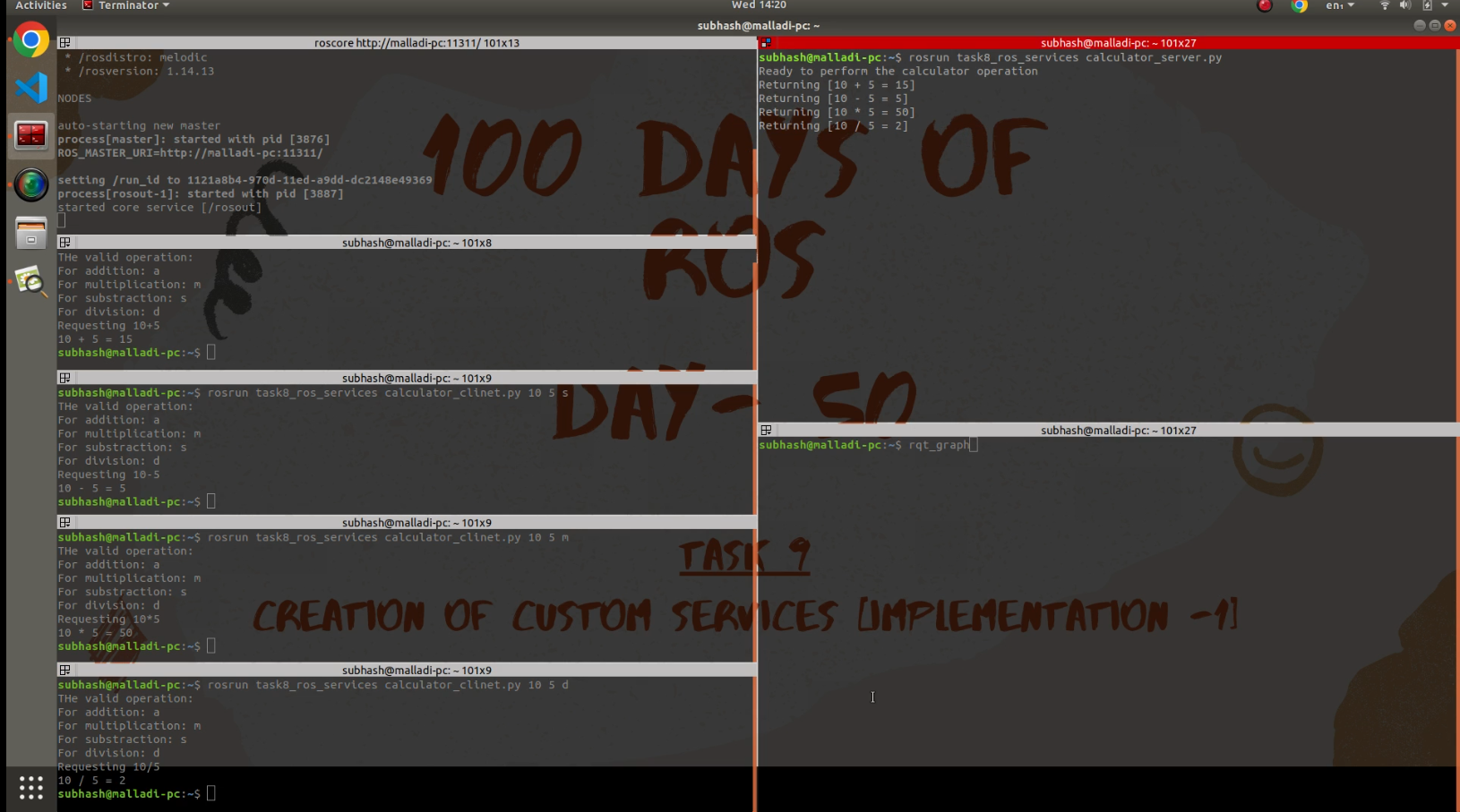
For services, I implemented a small calculator service. The example itself is basic, but the concept matters: a client requests an operation, and a server returns a result. The same pattern can be used for short robot commands, status queries, or configuration requests.
Why This Still Matters
Robotics projects are easier to explain when there is visible evidence of how the software talks to hardware. These repositories are small, but they capture that base layer clearly: ROS communication, Linux terminal workflow, Python nodes, Arduino IO, sensor publishing, and graph-level debugging.
For me, this was the point where ROS became more than a set of commands. It became a way to think about a robot as connected software components: some reading sensors, some publishing state, some handling requests, and some sending commands. That foundation still carries into larger robotics systems.
Project Links
- ROS setup and starter tasks: malladi2610/Getting_started_with_ROS
- ROS hardware learning track: malladi2610/100_days_of_ROS